Background
The project faced a major challenge due to the absence of essential user data and the lack of design involvement in the development process. This made it difficult to ensure that our designs would successfully meet user expectations.
Lead Product Designer & Researcher

As a Product Designer and Researcher, I focused on enhancing usability, security, and user education for an encrypted communication app with built-in private key server functionality. I led the research strategy, conducted user testing, and drove iterative design enhancements. Working closely with UI designers, the Product Owner, and the development team, I helped create a user-centric product that prioritized privacy and ease of use.
The project faced a major challenge due to the absence of essential user data and the lack of design involvement in the development process. This made it difficult to ensure that our designs would successfully meet user expectations.

Image generated using Midjourney AI tool - used for illustration purposes.
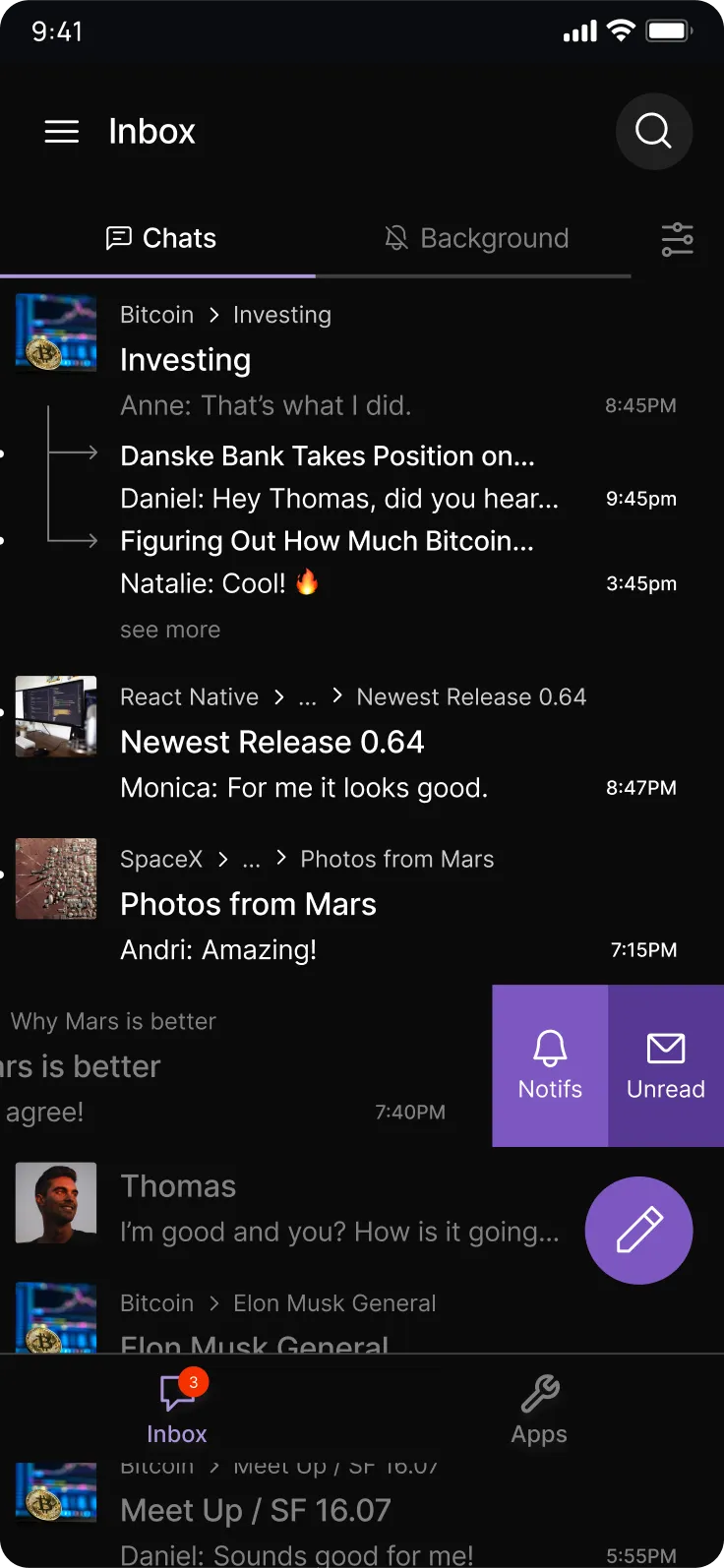
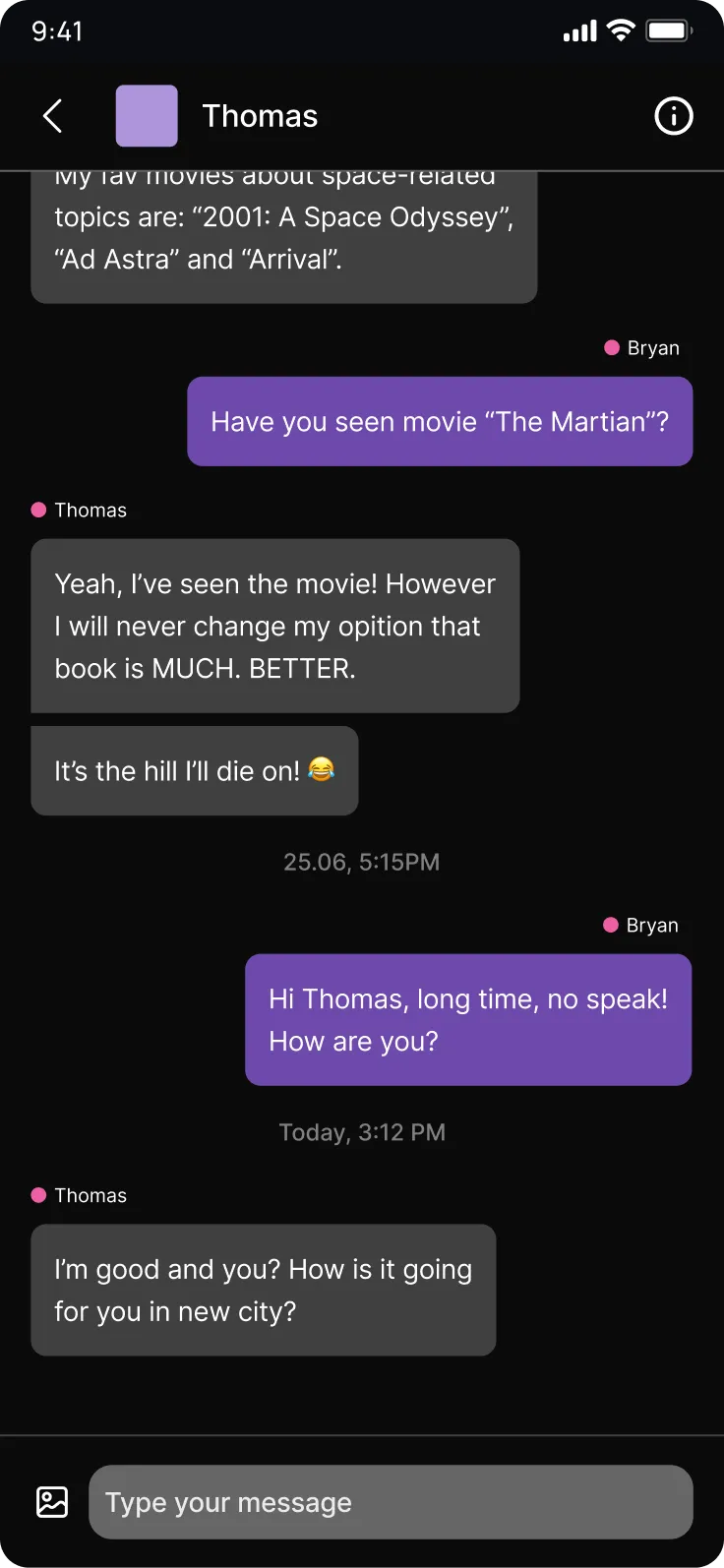
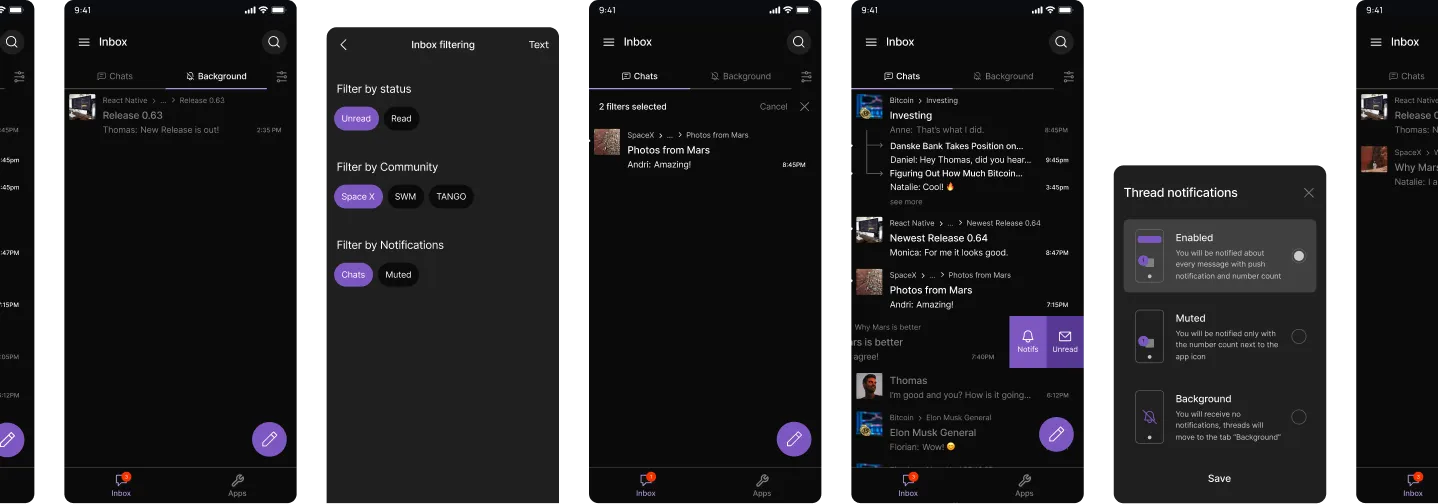
I prepared the usability test scenarios and created advanced prototypes in Figma for both the mobile app and web interface, collaborating closely with the UI designer.
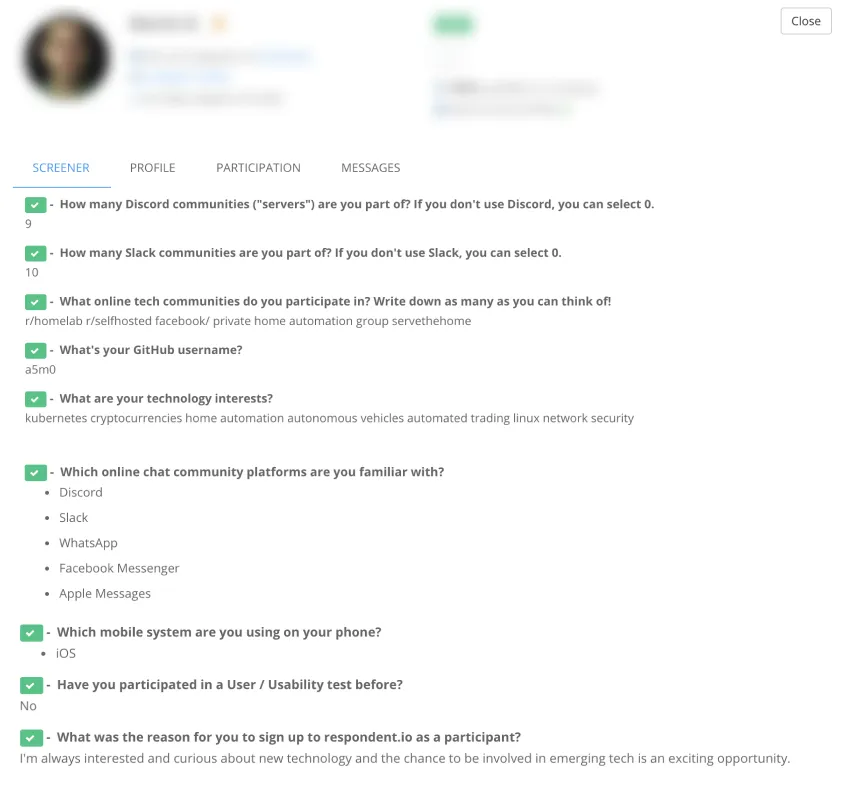
I recruited participants from the target user group—members and admins of communities like Discord—using the Respondent.io platform.
The test was conducted using the Zoom platform, with participants sharing their mobile screens and using audio and camera from their computers.
The main research questions were:


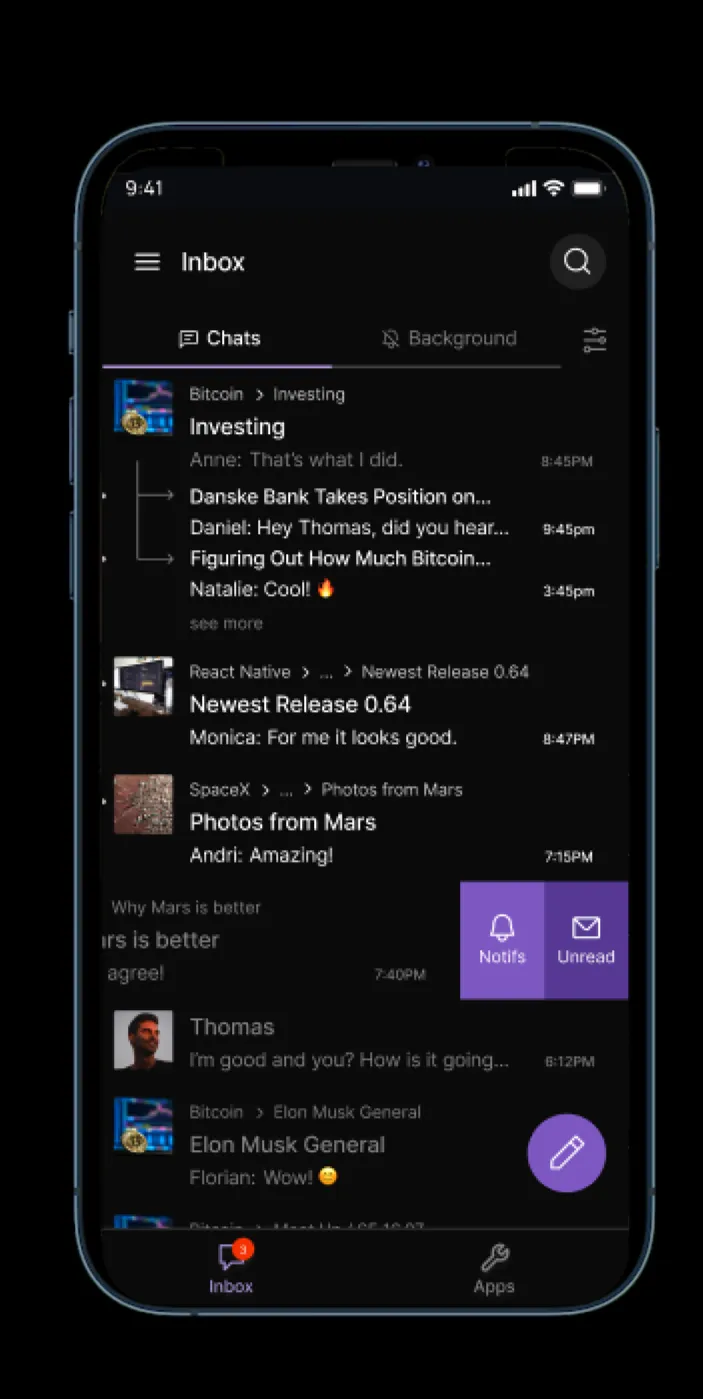
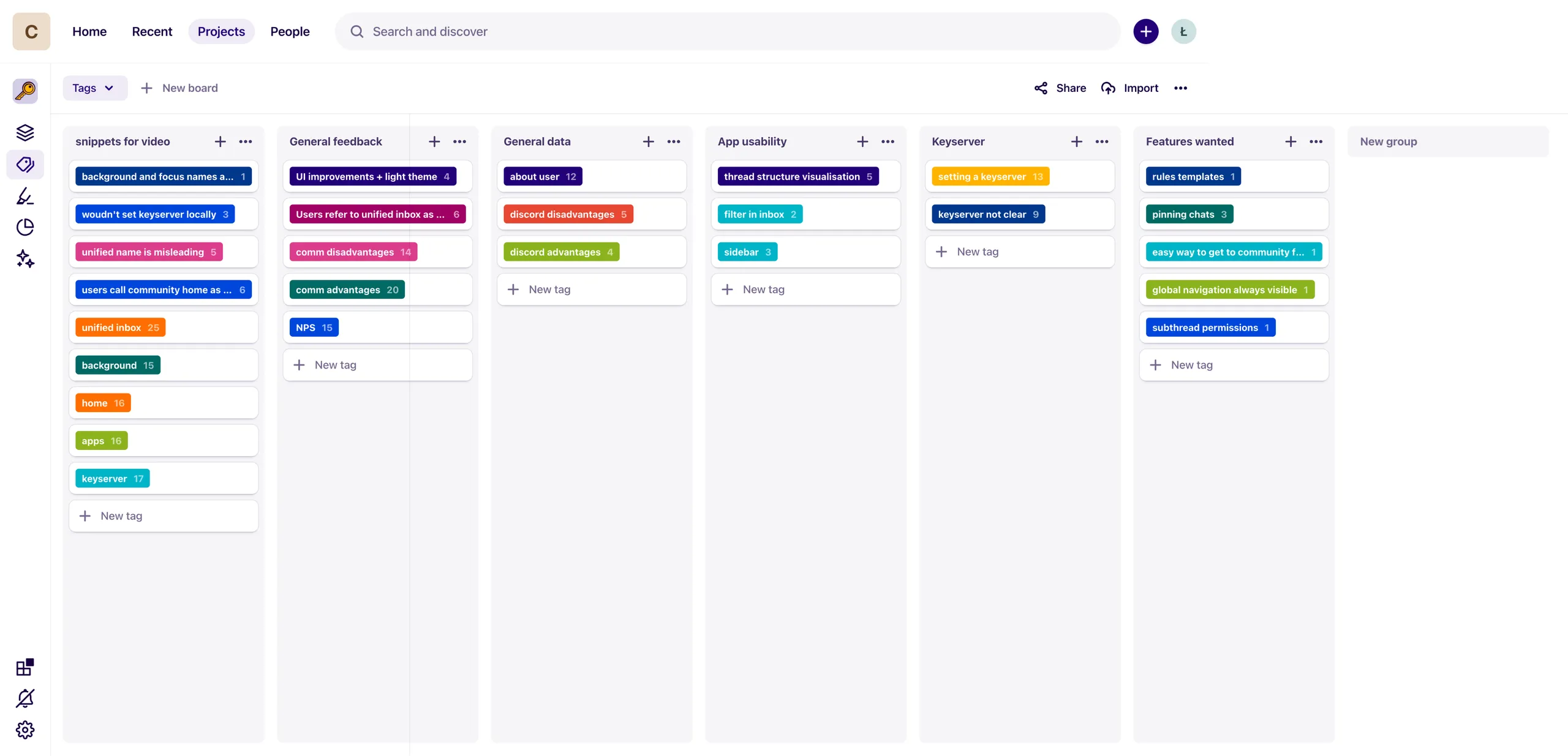
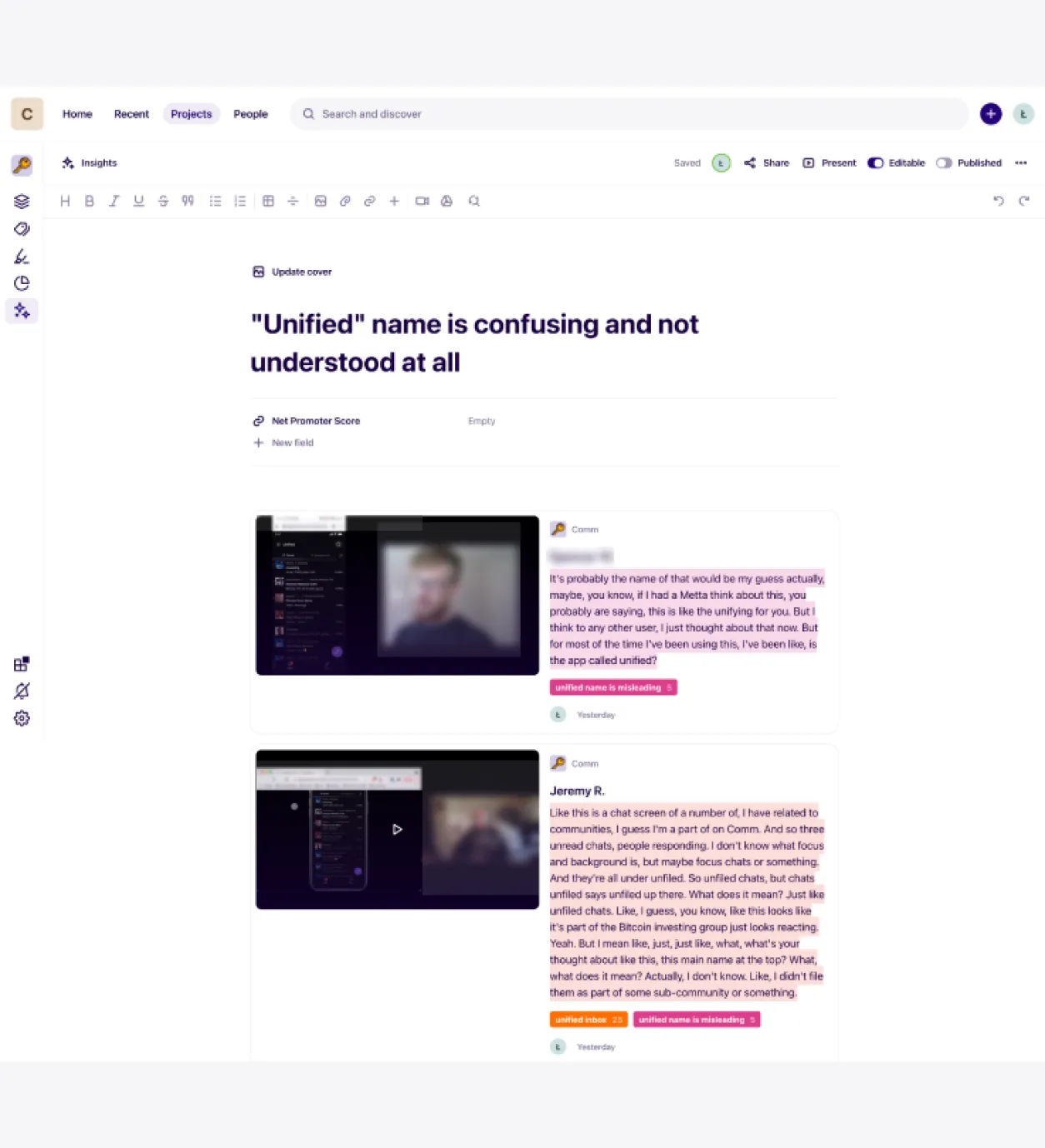
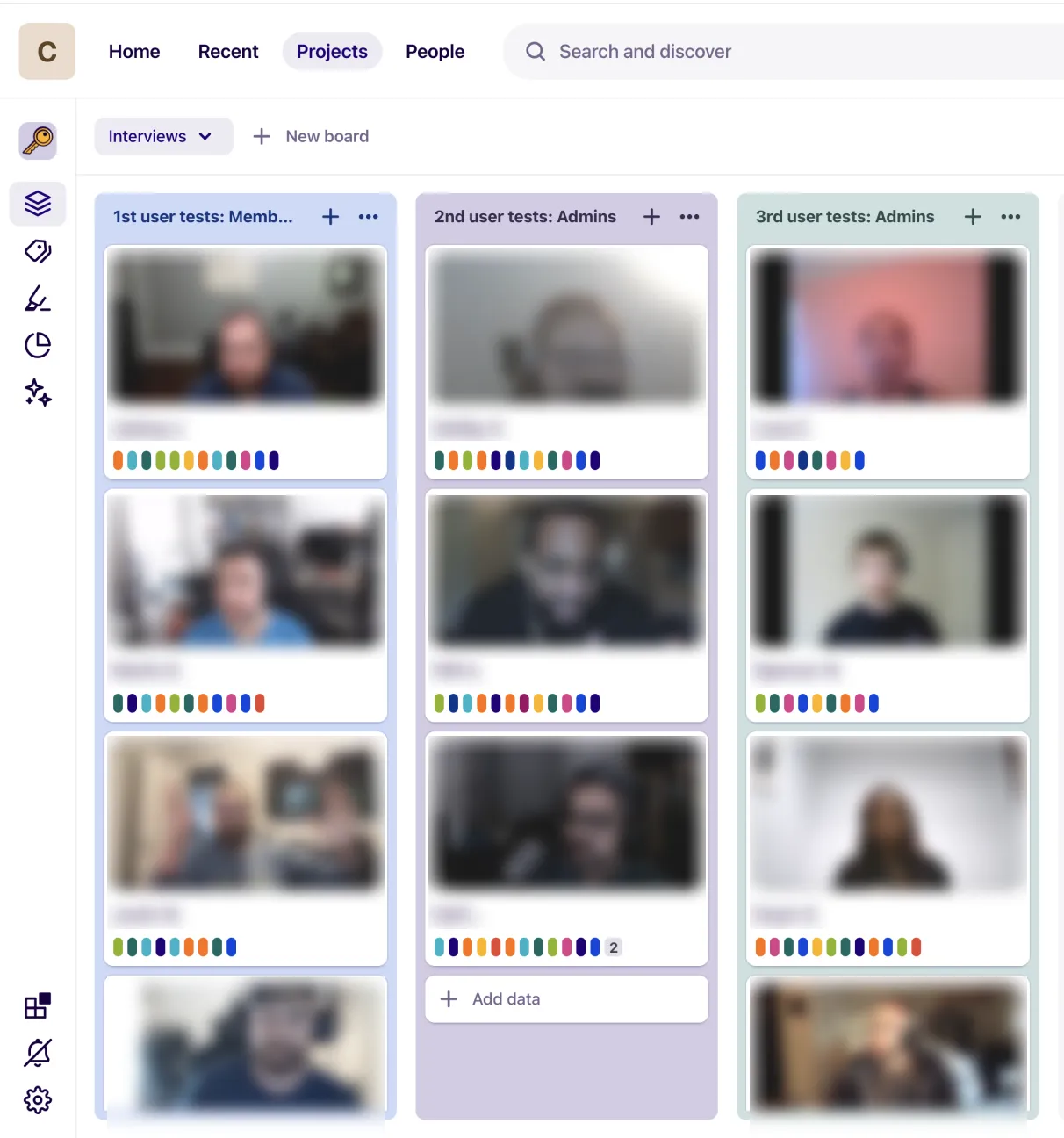
The research was analyzed using the Dovetail platform, leveraging its tagging and highlighting features. This approach allowed for detailed examination of user feedback, identifying key themes and patterns. Tagging was used to categorize responses by feature, such as the unified inbox, keyserver, and background management, while highlighting emphasized particularly insightful or recurring comments. This method facilitated a comprehensive understanding of user preferences and pain points, ensuring that key findings on usability, privacy features, and overall app design were effectively captured and addressed.
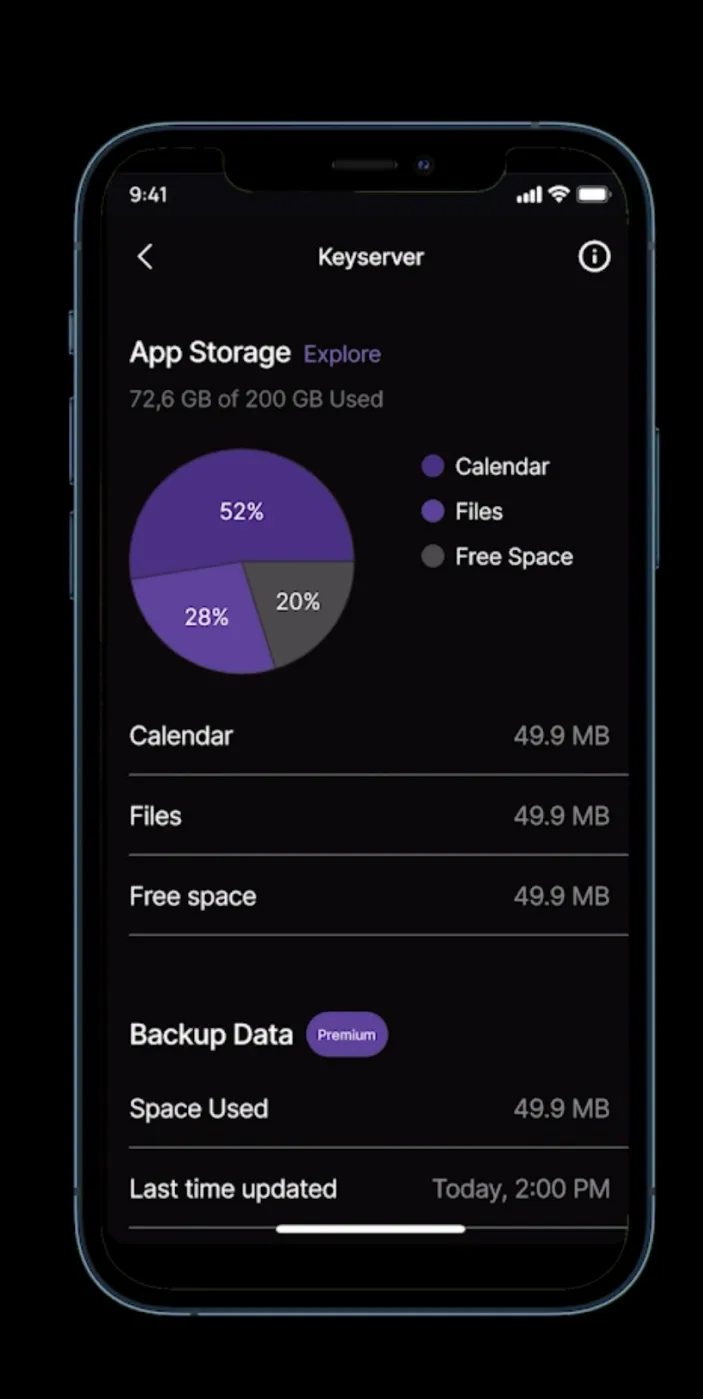
User testing revealed that both admins and normal users appreciated the app’s unified inbox for its ability to streamline communication and manage notifications. Admins particularly valued the keyserver for its enhanced privacy and security features, though they desired clearer explanations and more control options. Normal users also recognized the keyserver’s privacy benefits but were more interested in its practical application. The background feature, which helps manage notifications from busy communities, was well-received by both groups, with users noting its effectiveness in controlling engagement pace. Overall, feedback highlighted the app’s user-friendly design and organizational tools, though there were calls for more detailed information and customization options.